
Home / MintPlus
Launch trade-ready tokens instantly
Mint your token, establish liquidity, and secure it with Team Finance MintPlus in a single, guided experience. Deploy using your preferred EVM wallet, including Safe multisig.
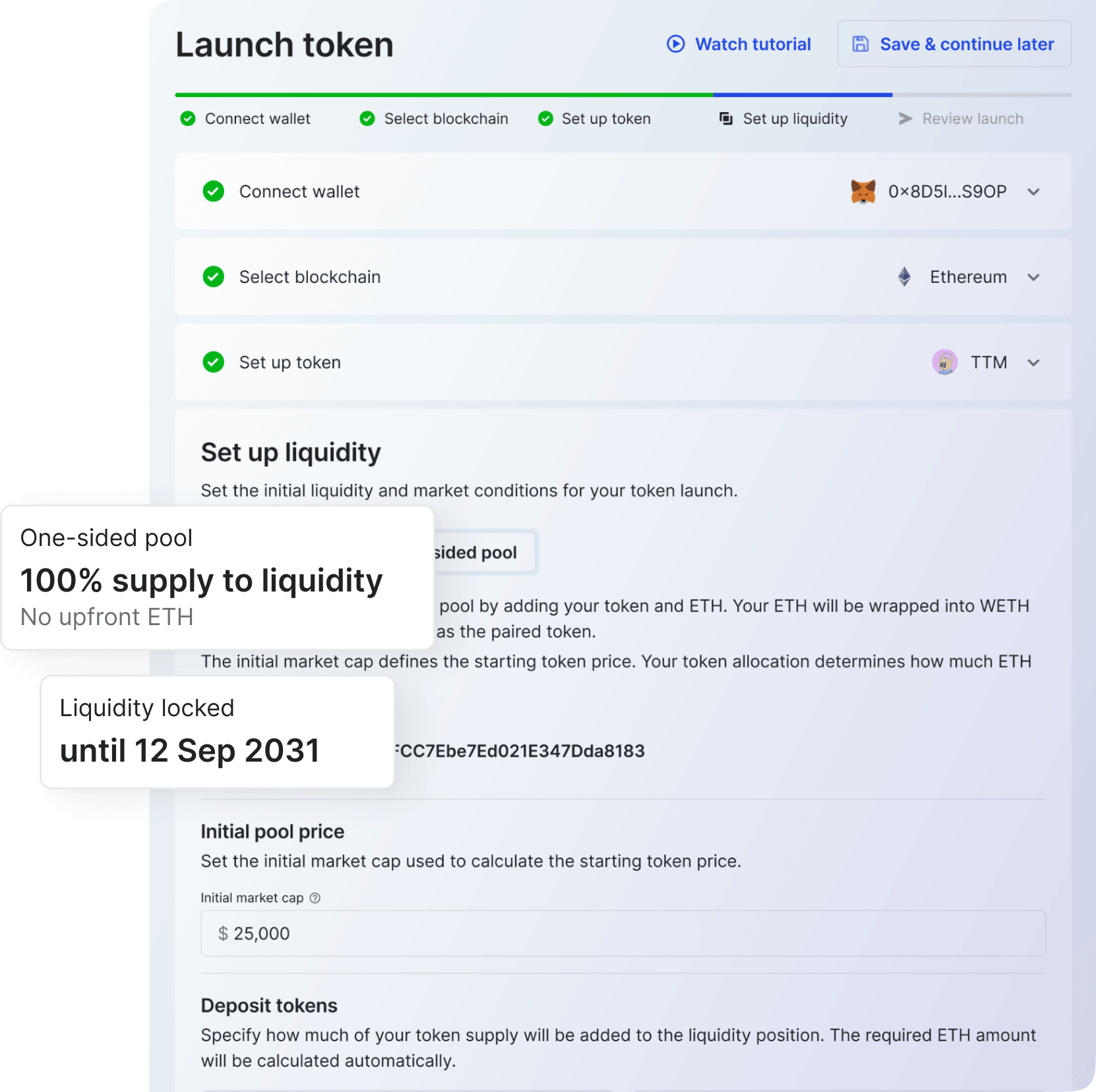
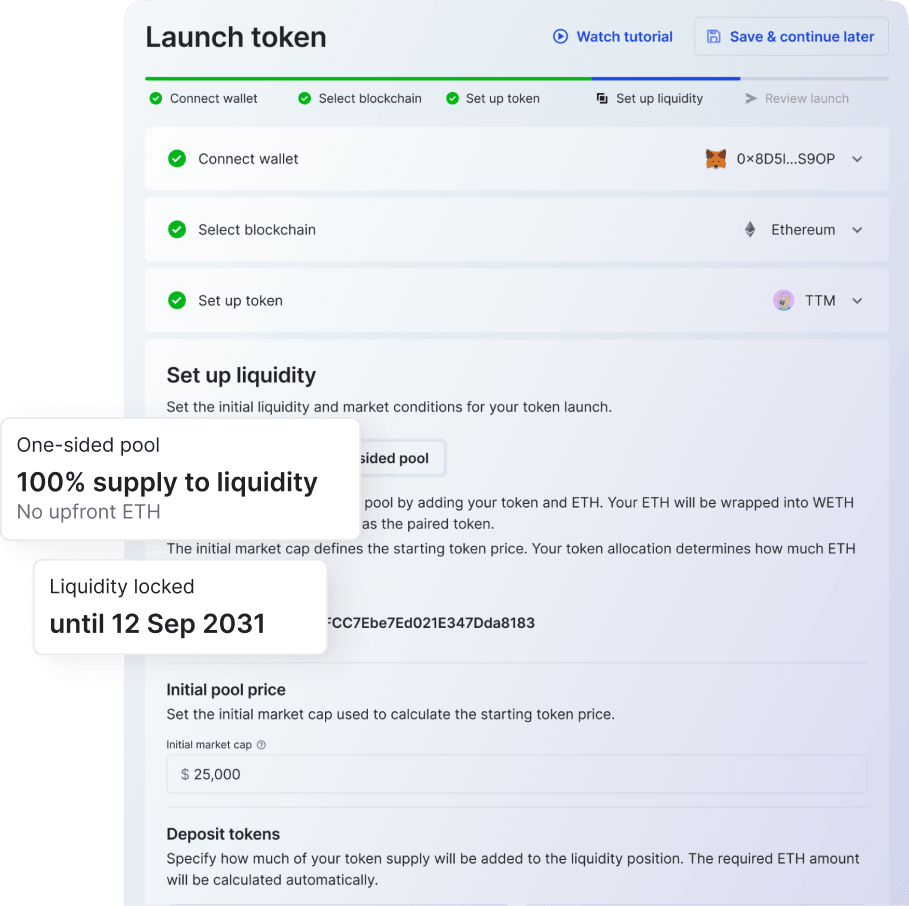
Everything your token launch needs, set up together
MintPlus connects token creation, Uniswap V3 pool setup, liquidity locking, and launch management into one guided flow – so the pieces are configured to work together from the start.
Fixed-supply token
Deploy an ERC-20 token with its supply set at creation, so your distribution is clear and fixed from day one.
Uniswap V3 pool setup
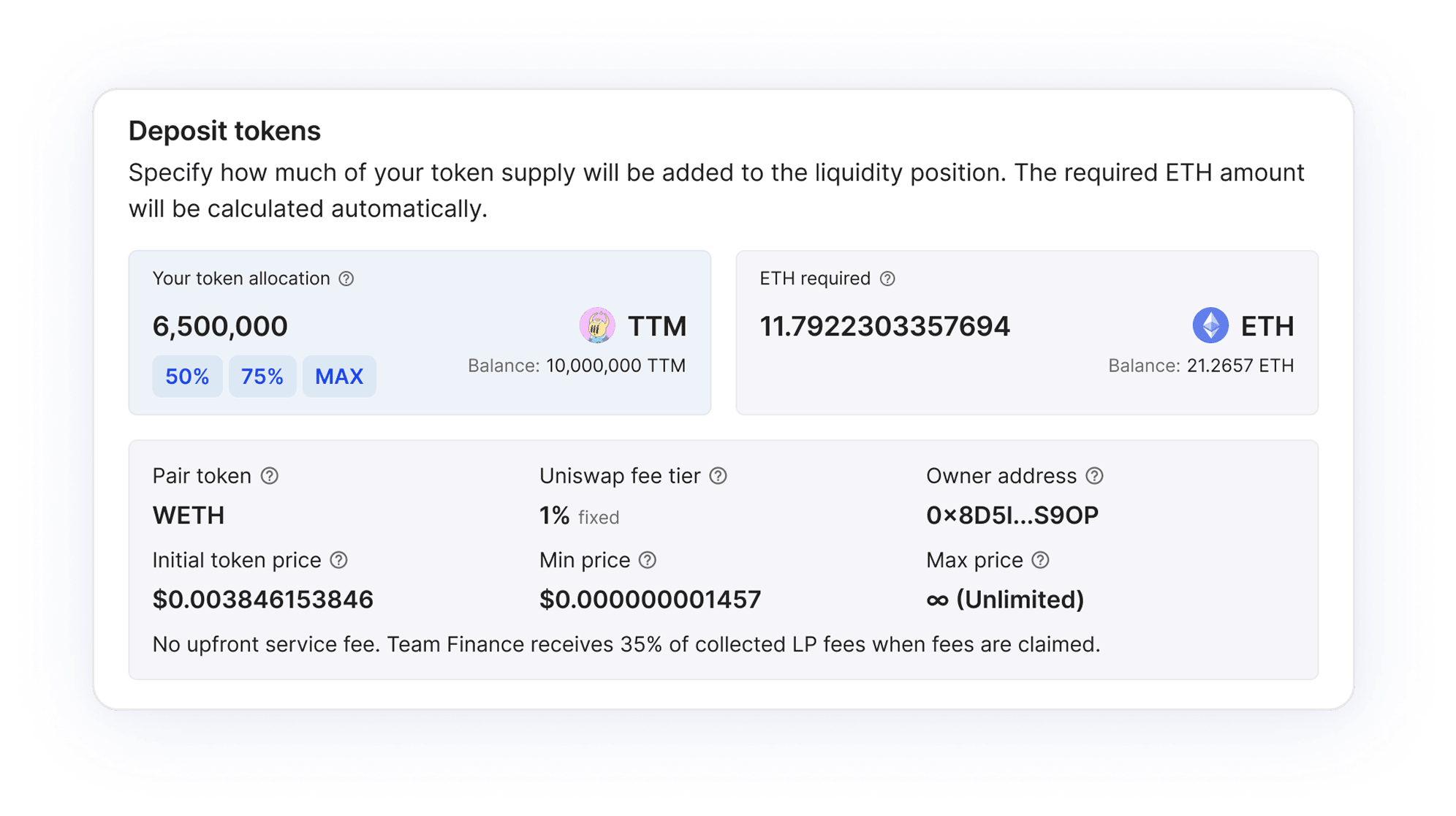
Set your initial market cap and choose one-sided or dual-sided liquidity. MintPlus calculates the pool values for you.
Automatic liquidity lock
Your Uniswap V3 position is locked through Team Finance for the duration you choose – built-in protection against rug-pulls.
Launch with or without paired ETH
Choose how your initial liquidity is funded. MintPlus supports two pool modes depending on whether you add ETH at deployment.
One-sided pool
No upfront ETH$TOKEN → Liquidity position
Uses 100% of your token supply to create the initial liquidity position, with no ETH required upfront. Best for:
testing early market interest
a simpler launch setup
launching without paired ETH
Trading may be more volatile early on, since no ETH backs the position at launch.
Dual-sided pool
ETH required$TOKEN + ETH → Liquidity position
Pairs your token with ETH to create a liquidity position with assets on both sides from the start. Best for:
projects ready to provide liquidity
deeper initial trading
launching with paired ETH from day one
At least 50% of the supply must be allocated to liquidity. The ETH required is calculated during setup.
MintPlus smart contracts are audited by
Built for transparent launches
MintPlus shows your community exactly how the launch was built – supply, liquidity, lock duration, and every launch transaction, public from deployment.
Clear token distribution
Show exactly how your supply is allocated across your MintPlus launch setup.
Liquidity lock included
Your liquidity position is automatically locked for the duration you choose – designed to prevent rug-pulls.
Public mint details
Token, pool, lock, and transaction details are reviewable on a dedicated Token details page.
From mint setup to ongoing management
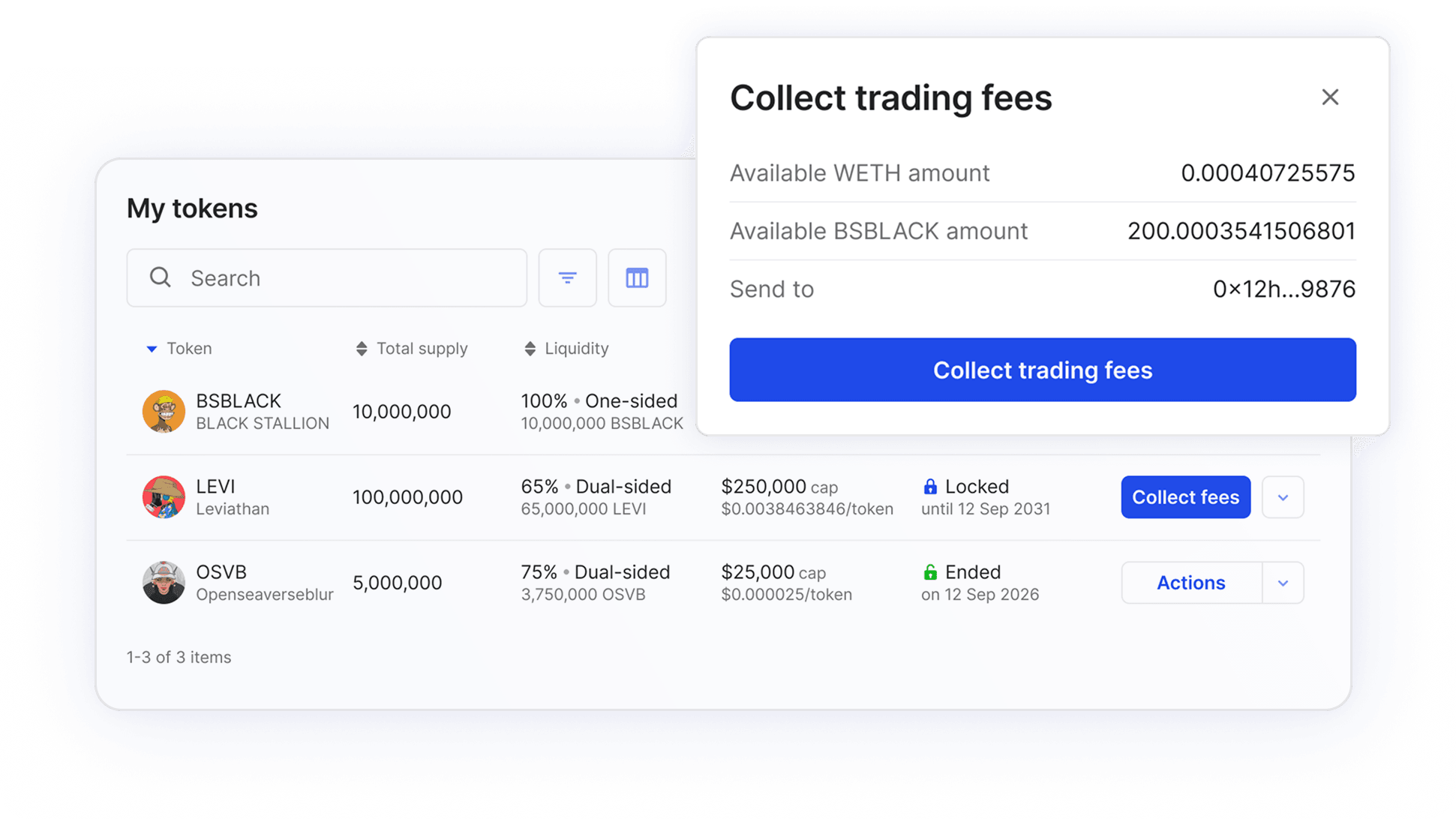
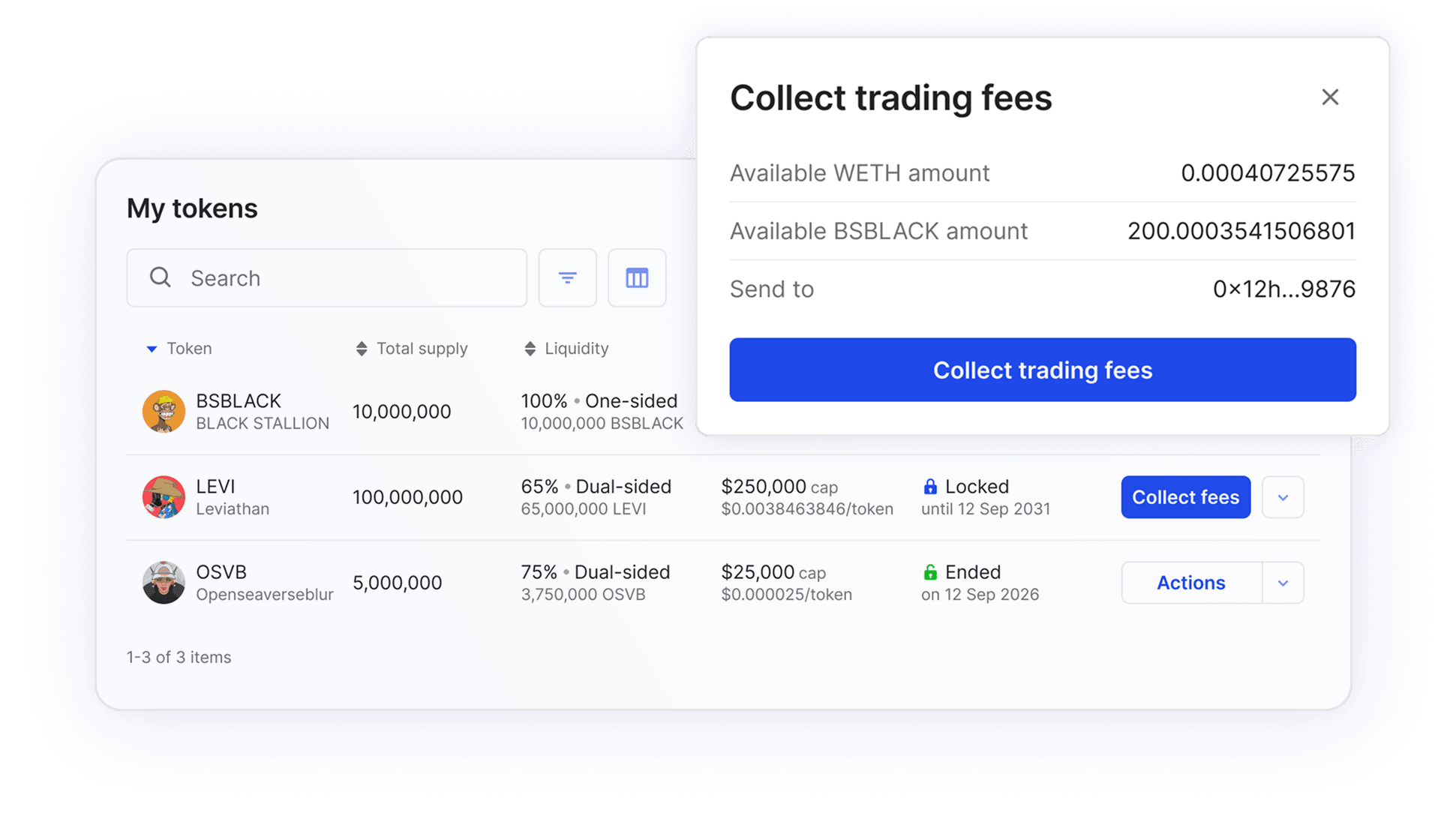
MintPlus keeps your token, liquidity lock, and LP fees tied to the launch that created them – managed in one place.
Guided setup, no code
Move step by step through token creation, market cap, liquidity, and lock duration – without configuring each service separately.
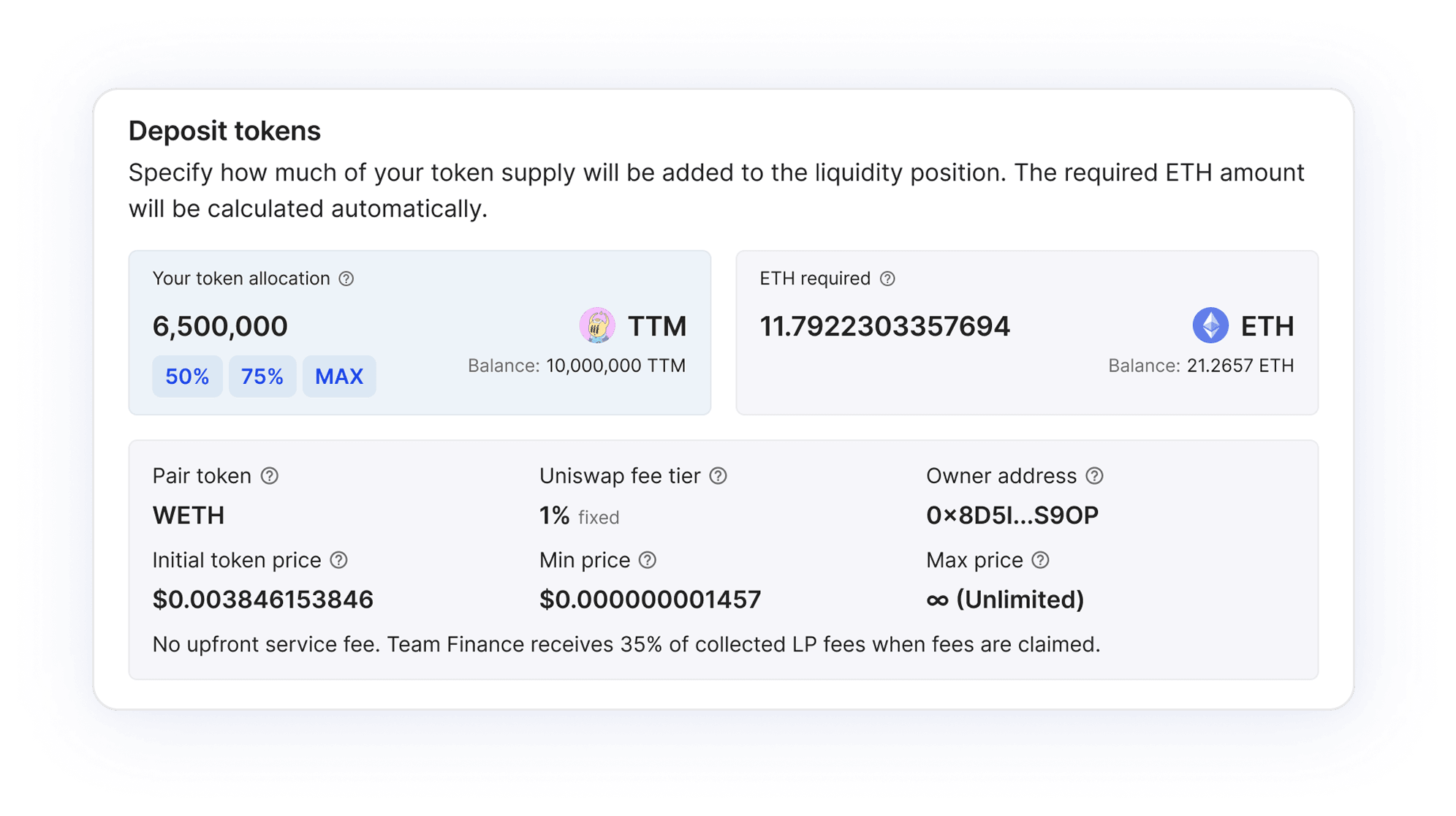
One management dashboard
View token, pool, liquidity lock, LP fees, and transaction details from a single MintPlus dashboard.
Post-launch infrastructure
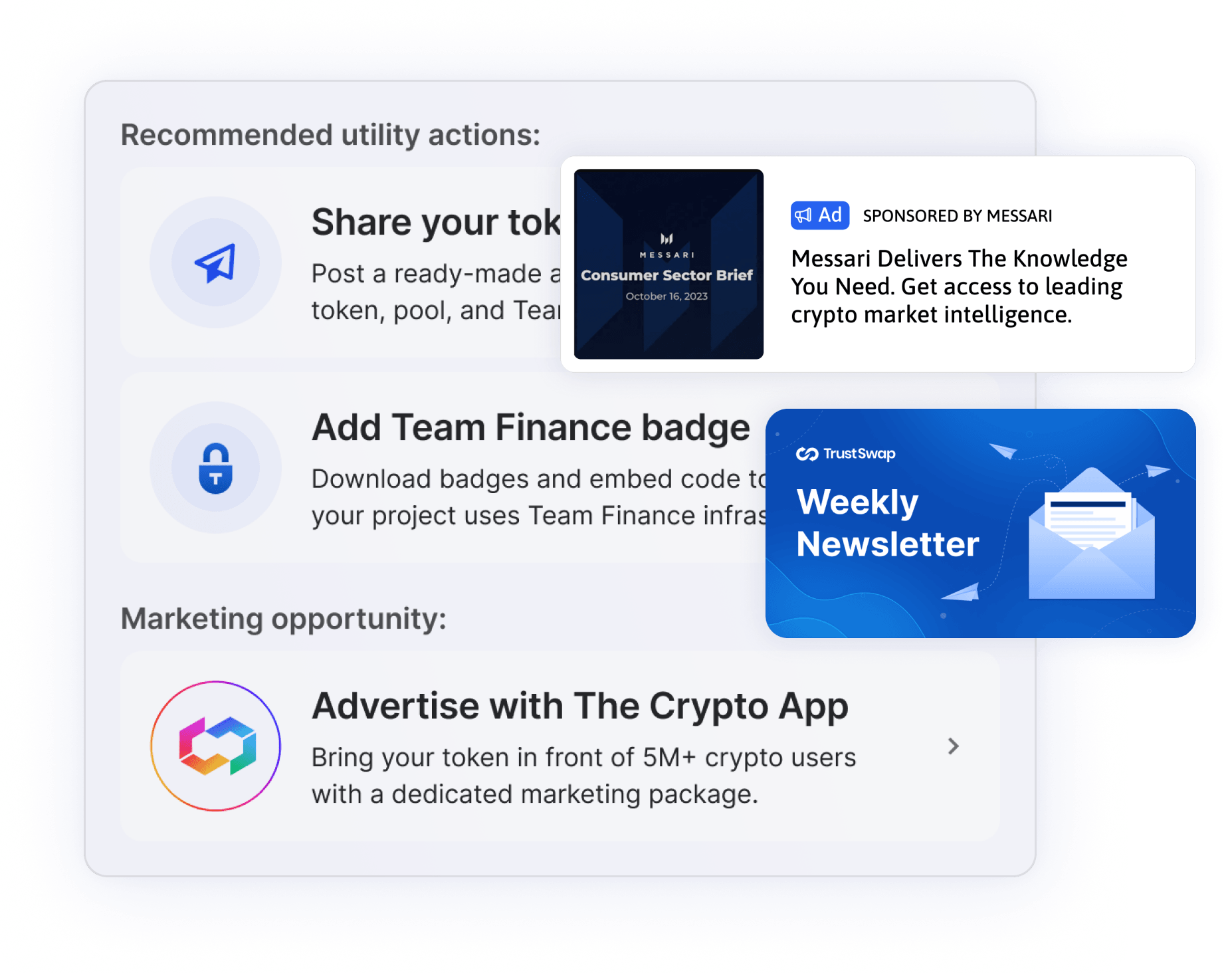
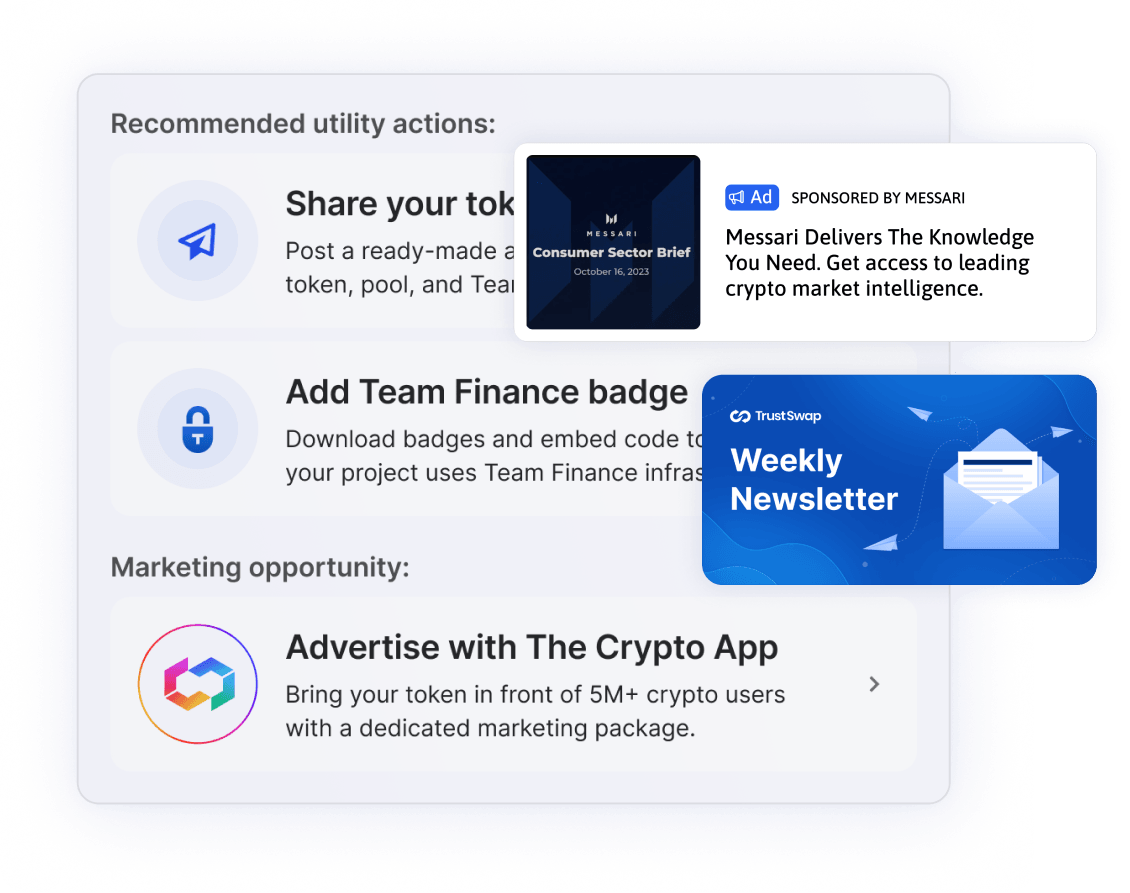
Use ready-made next steps to announce your project, point to Team Finance's track record, and explore promotion through The Crypto App.
One flow, from creation to locked launch
Create your token
Add token details, supply, image, and public links.
Set pool conditions
Enter your initial market cap. MintPlus calculates the starting price and pool range.
Choose liquidity setup
Launch one-sided, or add ETH for a dual-sided position.
Lock and manage
Lock the liquidity through Team Finance and manage everything from your dashboard.
Turn your launch into a campaign
MintPlus gets your token created and locked. The Crypto App helps you promote it to 74K+ monthly active crypto users through in-app placements, push notifications, and geo-targeted campaigns.


Frequently Asked Questions
Stay informed on token mint
Sign up for exclusive news, expert tips, and timely updates.
We care about your data, read our Privacy Policy
Ready to launch with MintPlus?
Create a fixed-supply token, set up liquidity, and lock your position through Team Finance – free to start.

Streamlining token operations.
A product of
